2026 Staff Application is Open: How to Apply Online
We are so excited to announce that the 2026 Summer Staff Application is now open! There are so many reasons to choose Wanakee this summer—from the the opportunity to learn new skills to the close-knit community to the adventure of spending your whole summer at camp. We can’t wait to start building our team.
This year, Wanakee’s staff application is built into our registration software, CampDoc. This guide serves as a step-by-step walkthrough of the online application process. If you are looking for more information about what it’s like to work at camp, please visit our employment page or reach out to us at mail@wanakee.org.
Application Guide
Setting Up Your Username and Password on CampDoc
Create an account here: http://app.campdoc.com/register/wanakee. This short video demonstrates how to create an account.
New Users:
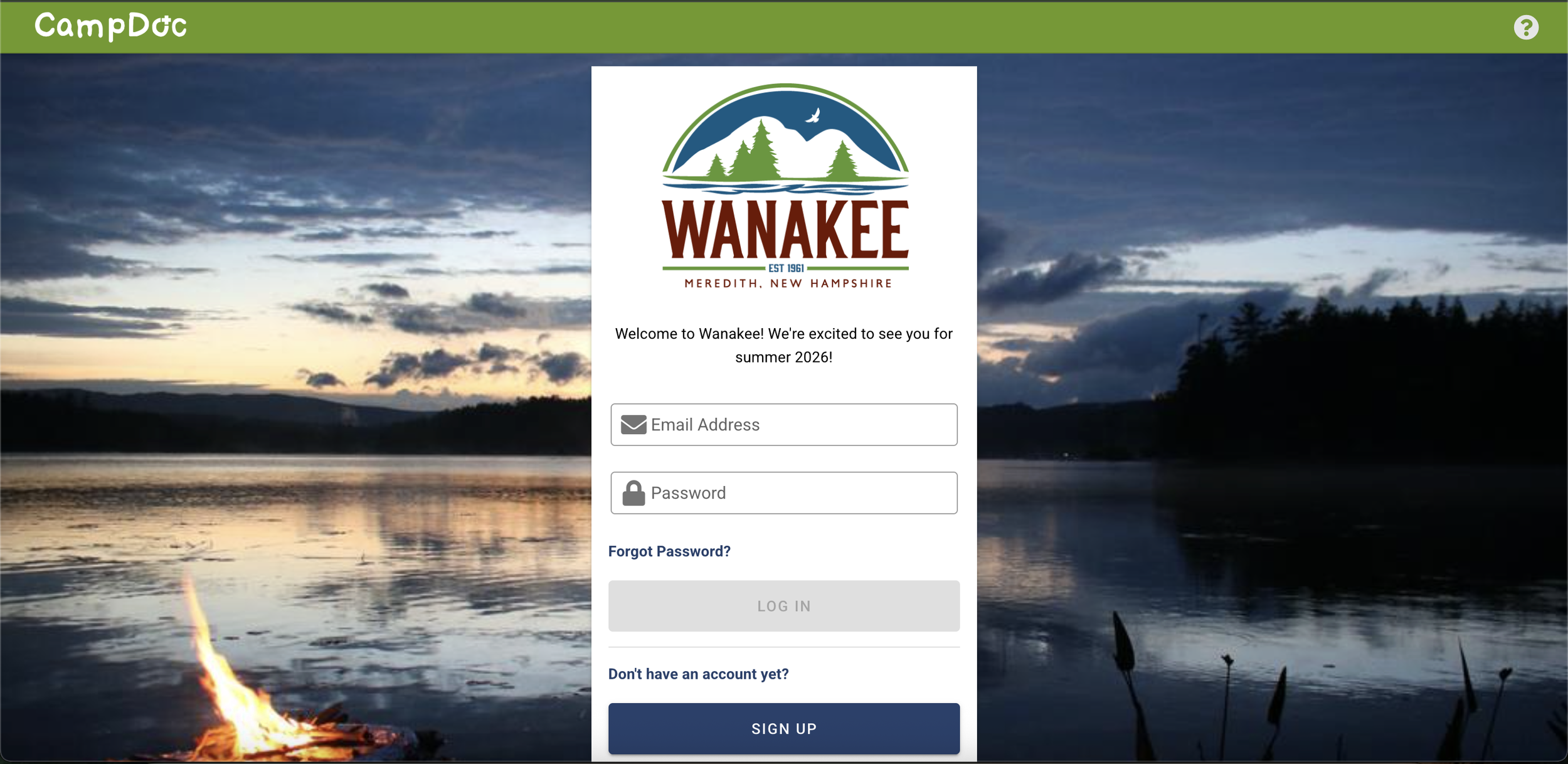
Click our link.
Click the Sign Up button.
In the Email box, type your email address in order to confirm.
In the Password box, type the password that you want to use.
Click the Continue button.
Follow the instructions to create your profile.
Returning Users
Click our link.
Log in with your username and password from last summer.
Setting Up Your User Profile
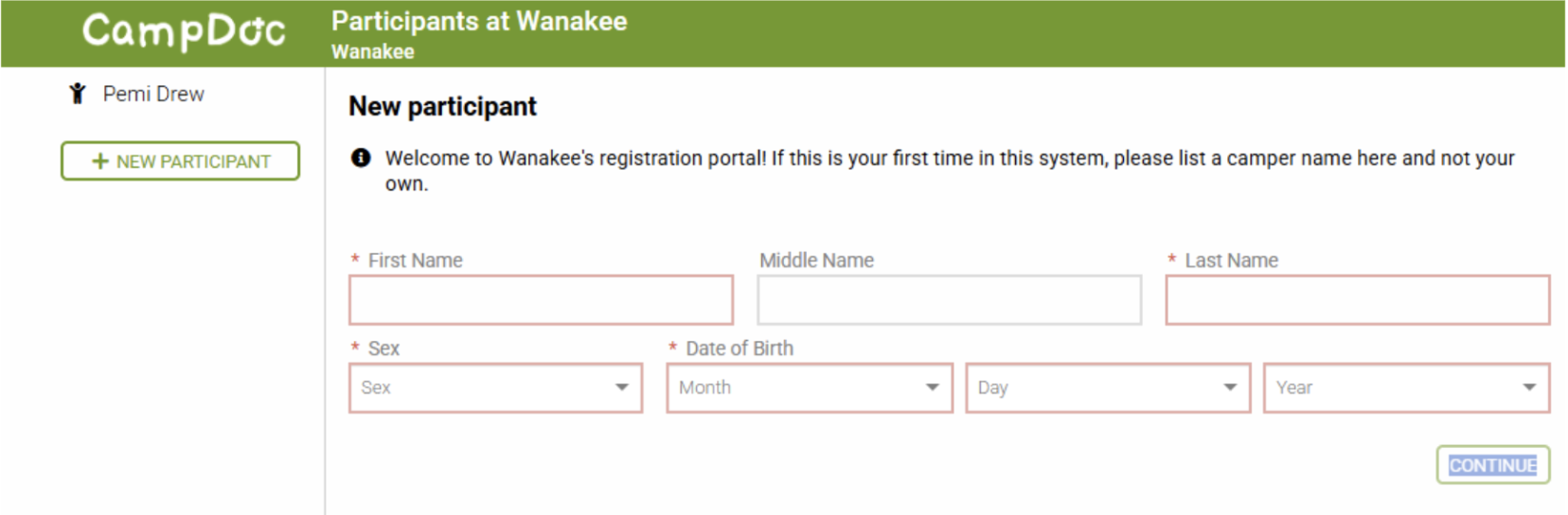
After you log in, you will be prompted to complete a “New Participant” page. Please enter YOUR NAME and information here.
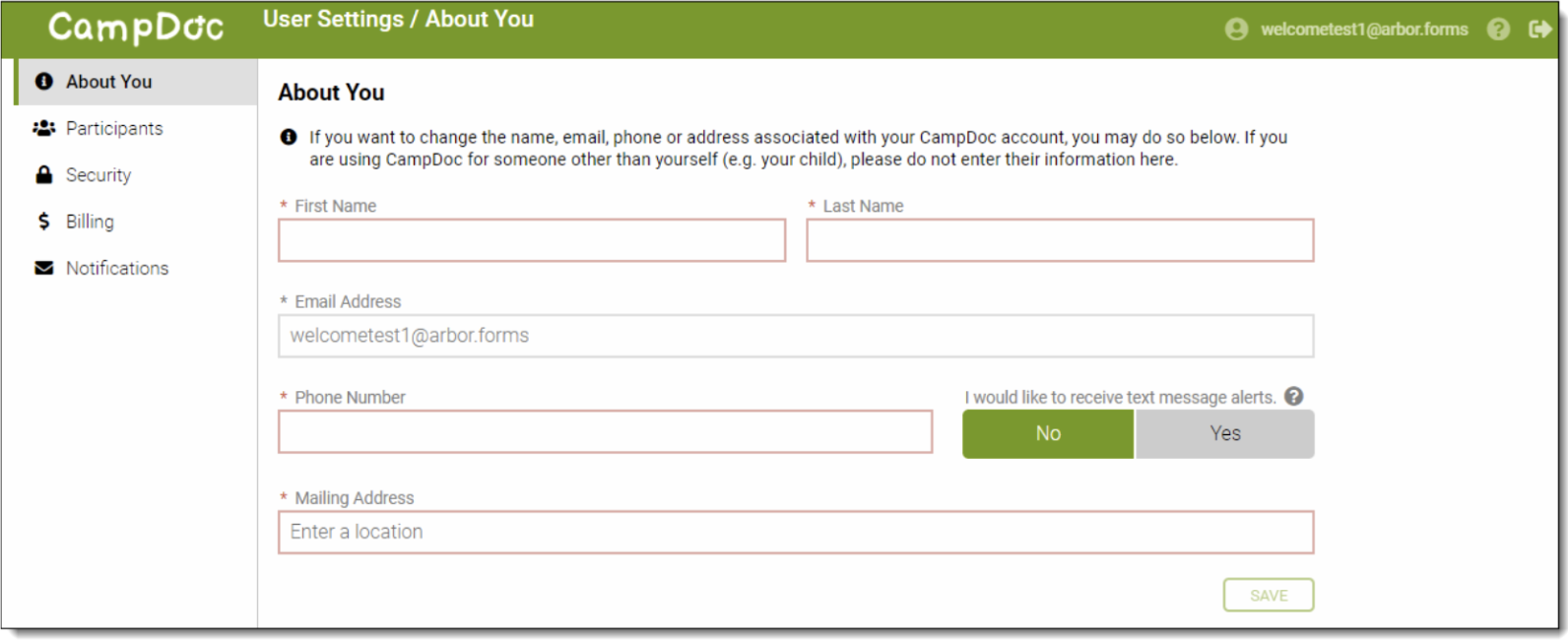
Next, you will be prompted to fill out an “About You” page. Please enter YOUR OWN name and information here.
To Register as an Applicant
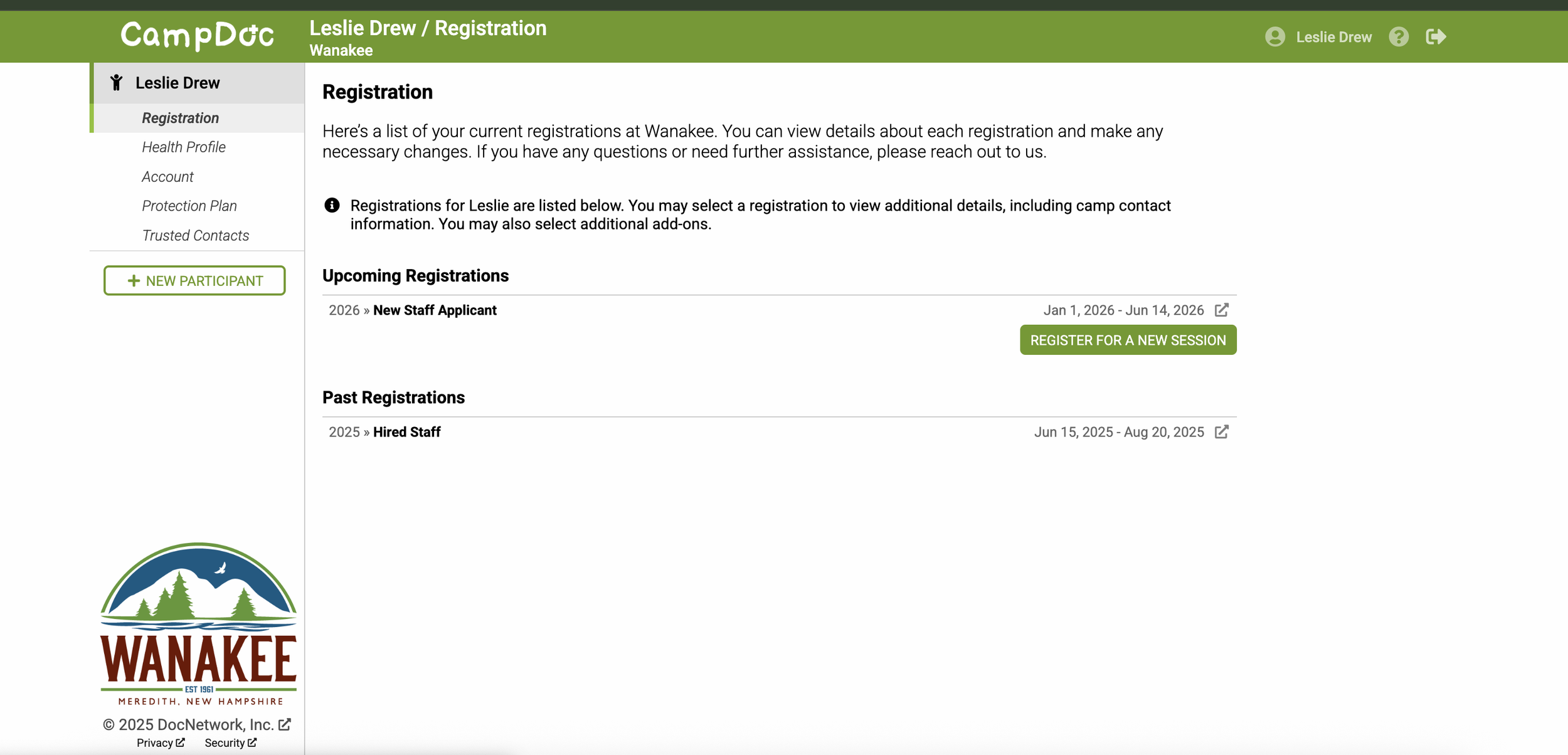
In order to access the application, you need to register as an applicant. Click the “Registration” tab on the left side of the screen and select the green “Register For A New Session” button.
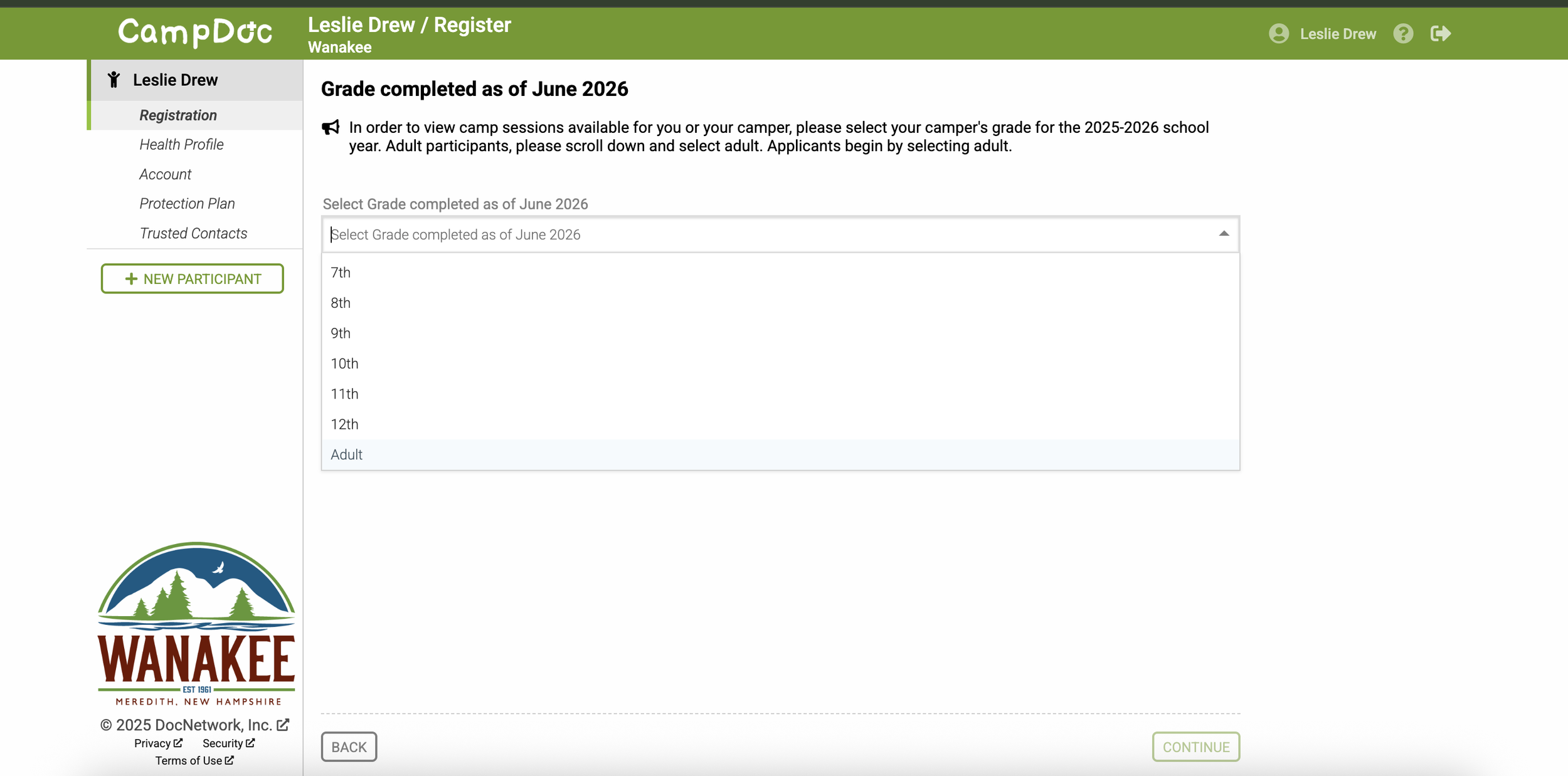
On the “Grade Completed as of June 2026” page, select “Adult” from the dropdown menu EVEN IF you are currently in 12th grade.
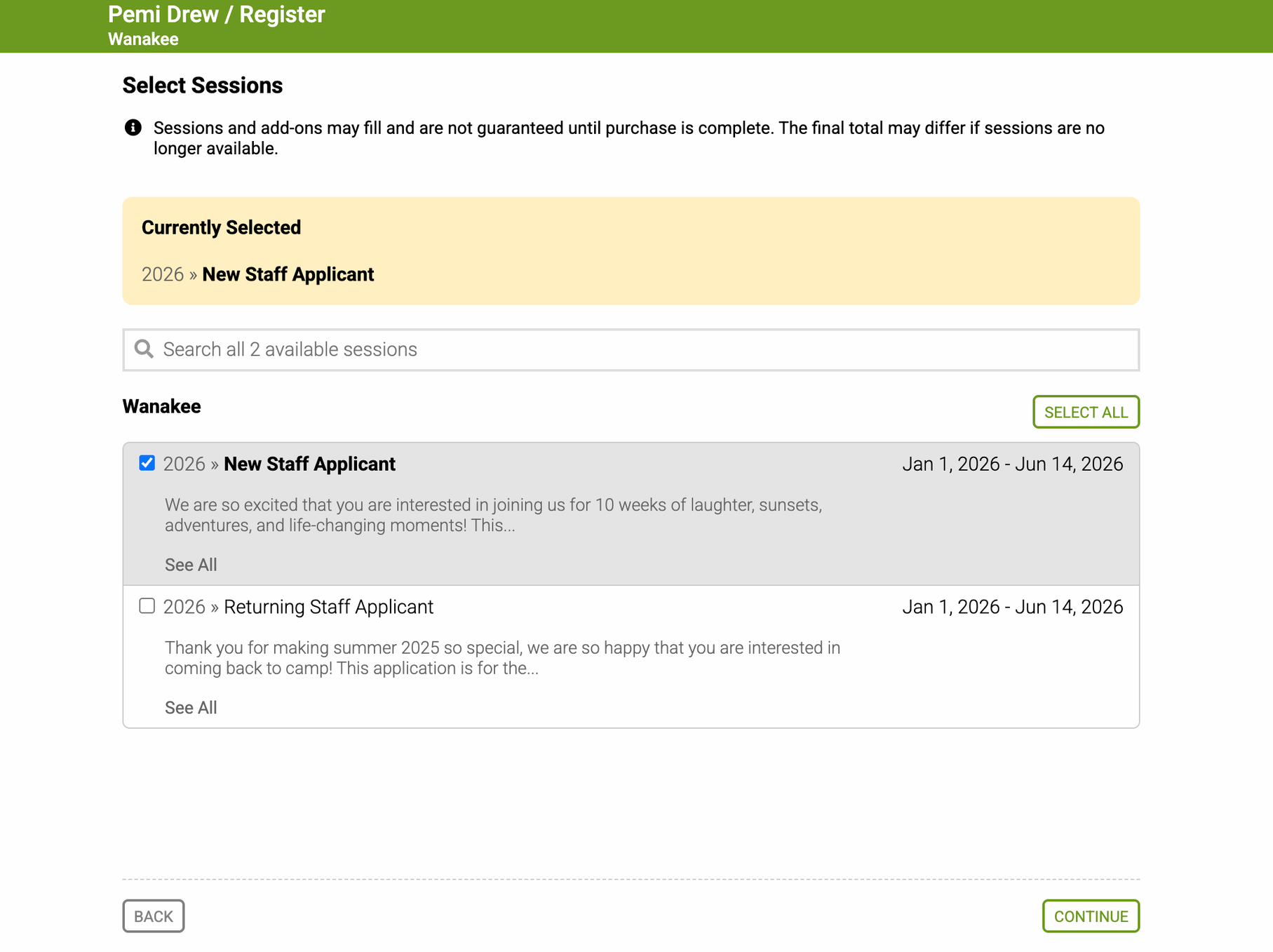
On the “Select Sessions” page, select “New Staff Applicant” if you have never worked on Wanakee’s summer staff or worked on Wanakee’s summer staff before but did not join us for the 2025 season. Select “Returning Staff Applicant” ONLY if you worked at Wanakee in 2025.
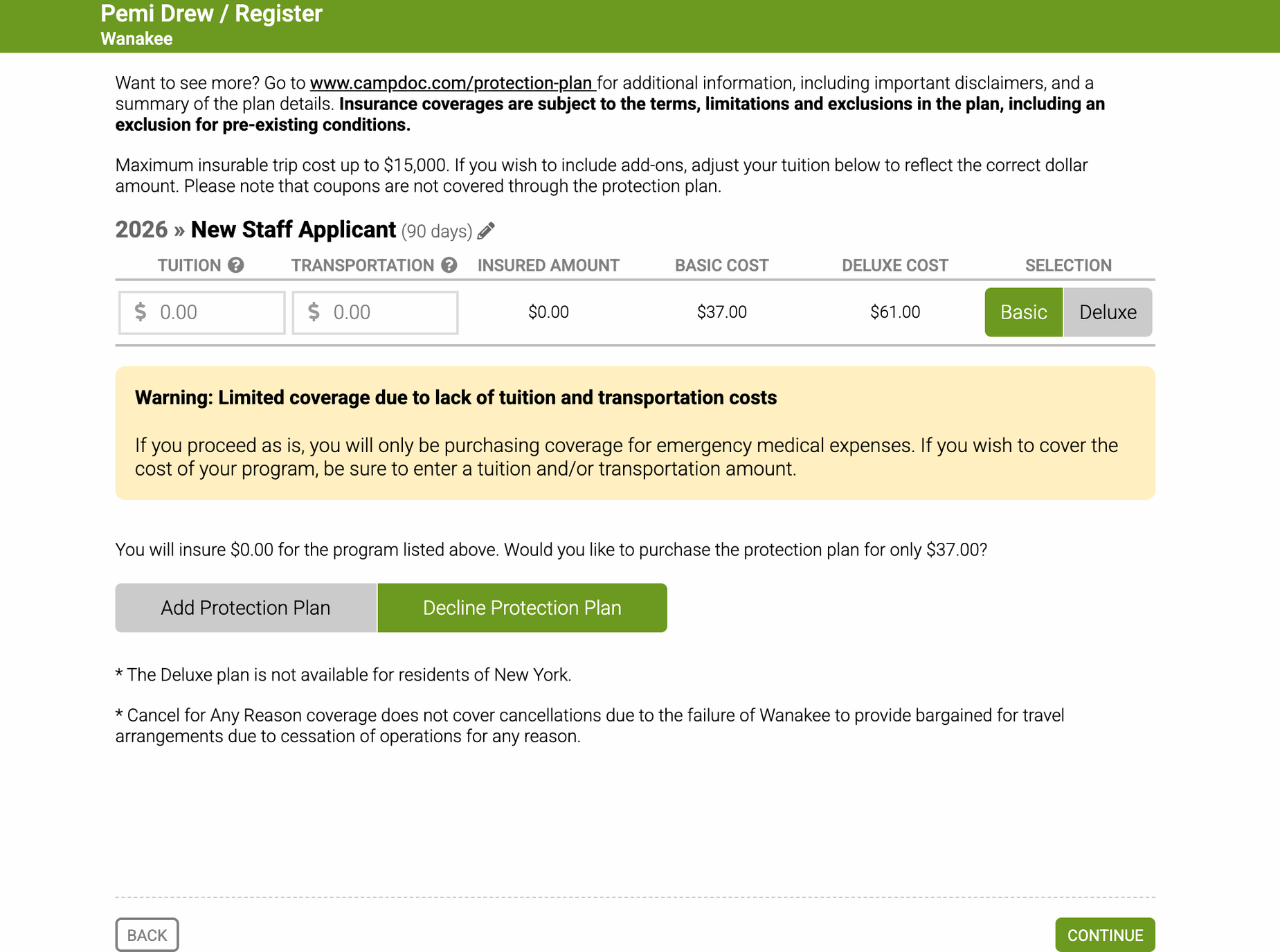
On the “Protection Plan” page, select “Decline Protection Plan”. This page is for families of campers who wish to purchase insurance for their camp experience.
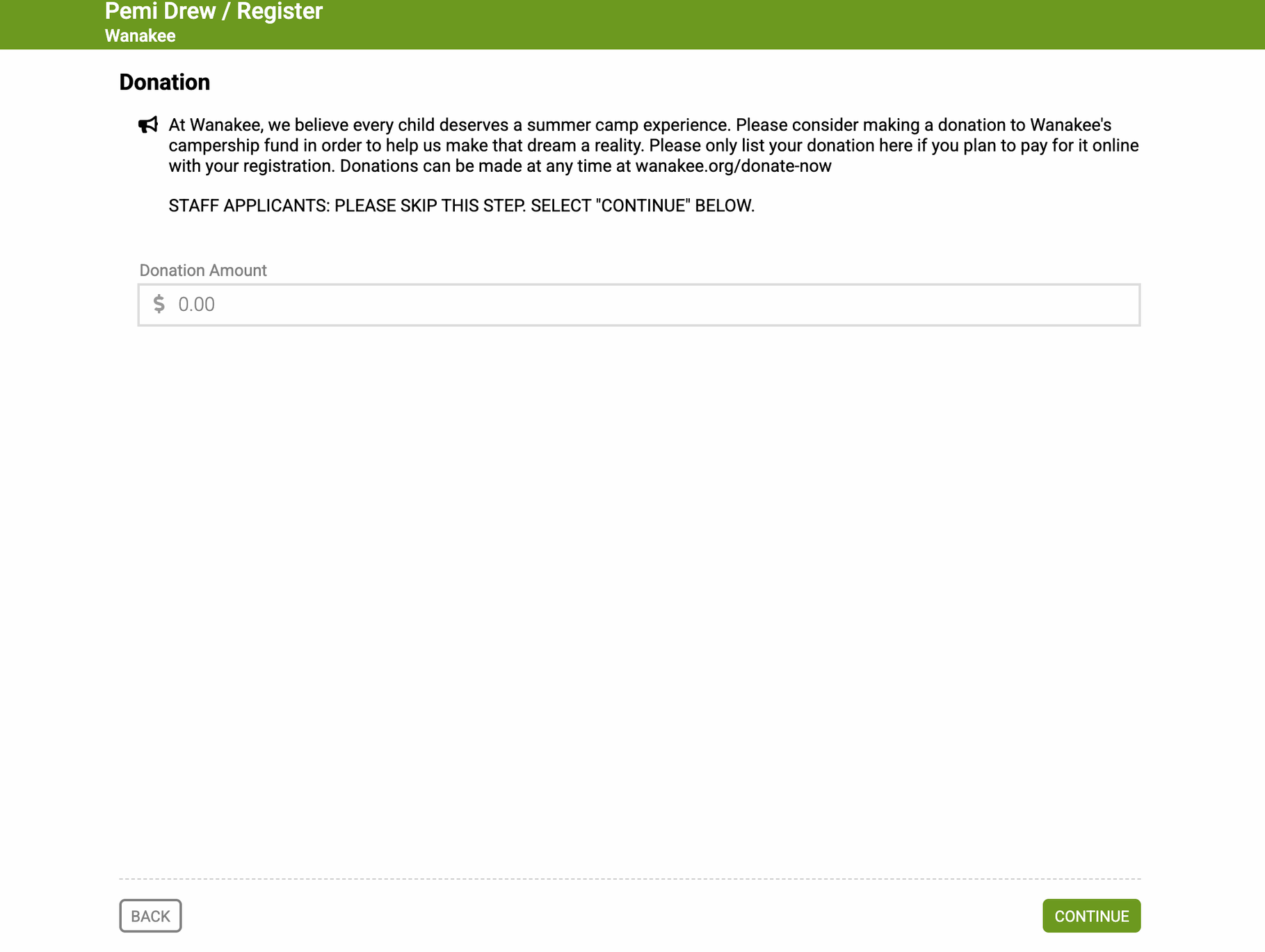
On the “Donation” page, please do not make a donation. This page is for families who wish to donate to Wanakee’s Campership fund along with payments toward their child’s camp tuition. Please skip this step by selecting “Continue”.
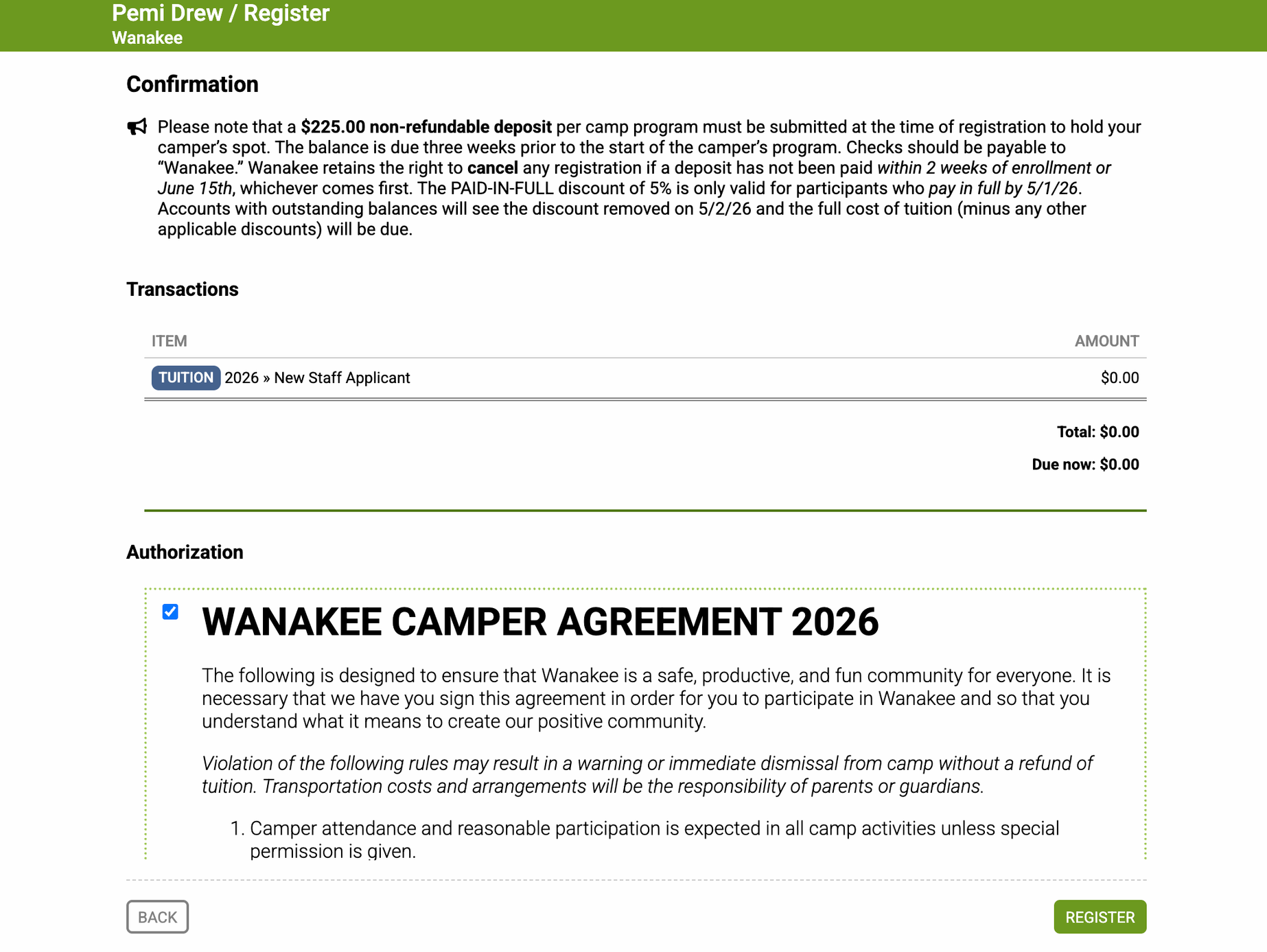
On the Confirmation page, please click the checkbox to affirm that you have read the Wanakee Camper Agreement” and click “Register” at the bottom of the screen to proceed to the application.
Filling In Your Application
You will now see your Staff Application under the “Health Profile” tab in CampDoc. All forms for campers, applicants, volunteers, and staff are found here. You can work through the forms seen on the right side of the screen in any order. When a form is complete, you will see a green check mark. Red circles indicate that there are still questions to complete in that section of the application.
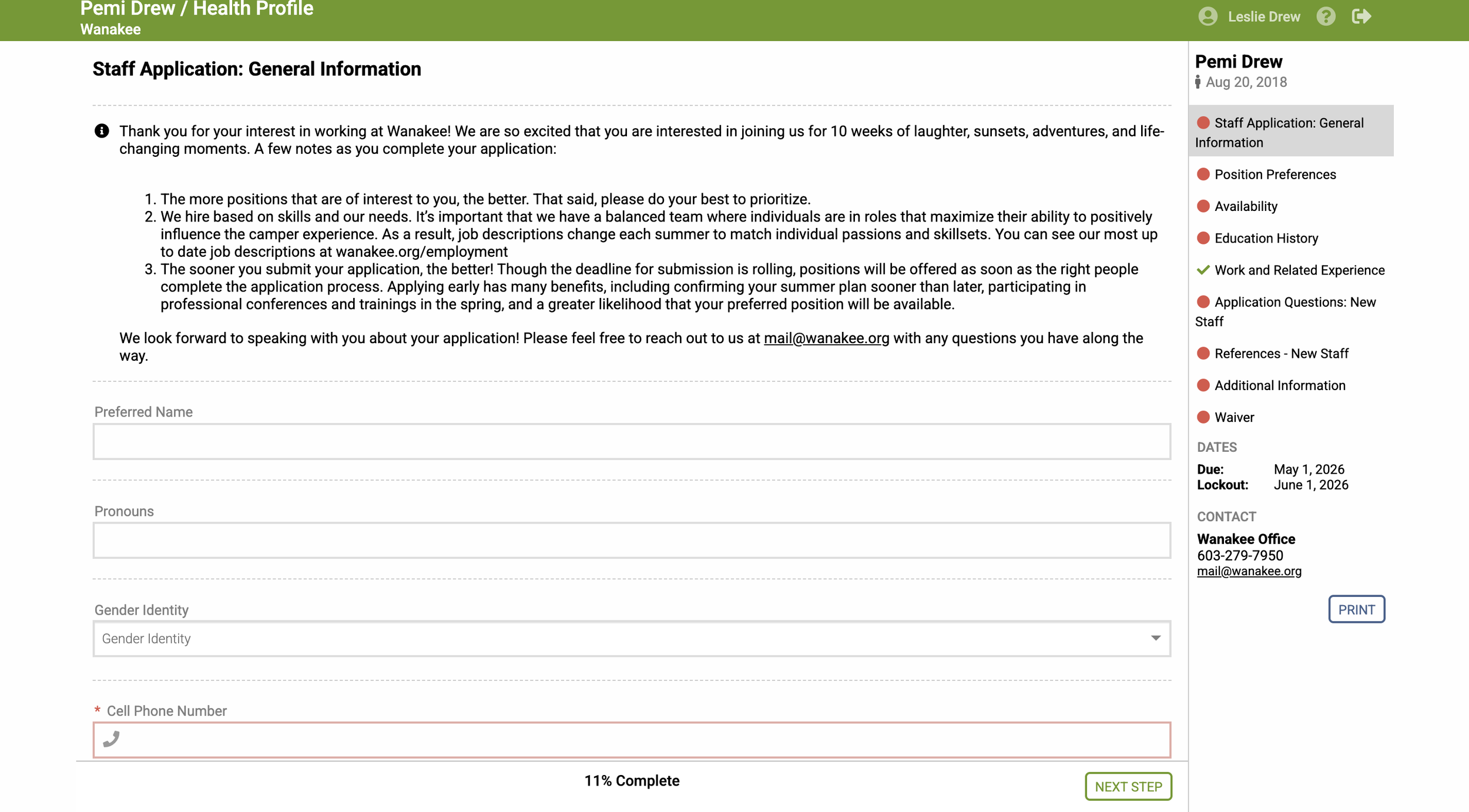
Required questions will be marked with an * and outlined in red. Keep in mind that our application saves your information as you complete the health forms, therefore you can return to app.campdoc.com/register/wanakee to make updates and/or continue filling out your participant’s health information. You can log in using the email address and password you previously created.
Additionally, CampDoc sends out periodic reminder emails for incomplete information. These notifications will come from noreply@campdoc.com, so please add this to your safe sender list to avoid accidental delivery to junk and spam folders. We don’t want you to miss important notices about Wanakee!
Please note that CampDoc supports the current and previous major releases of Chrome, Firefox, Microsoft Edge, and Safari which provide improved security and performance for health information.
If you have any questions about the application process, summer staff experience, or responsibilities of summer staff members, please don’t hesitate to reach out to us at mail@wanakee.org. For more information bout working at Wanakee and to read our job descriptions for current openings, visit wanakee.org/employment.
For additional assistance, you can navigate to support.campdoc.com or contact our Support Team at support@campdoc.com or 734-636-1000. We also encourage you to visit our Sign Up Support page for additional resources.
We are excited to meet you and begin building our 2026 staff team! What are you waiting for?